MineFrame
Instant UI & Layout Generator
Generate adaptive frames and starter layouts directly in Figma.
Free plugin by Mineweb Studio · 198 users · version 8 (12 March 2026)
Three modes, one plugin
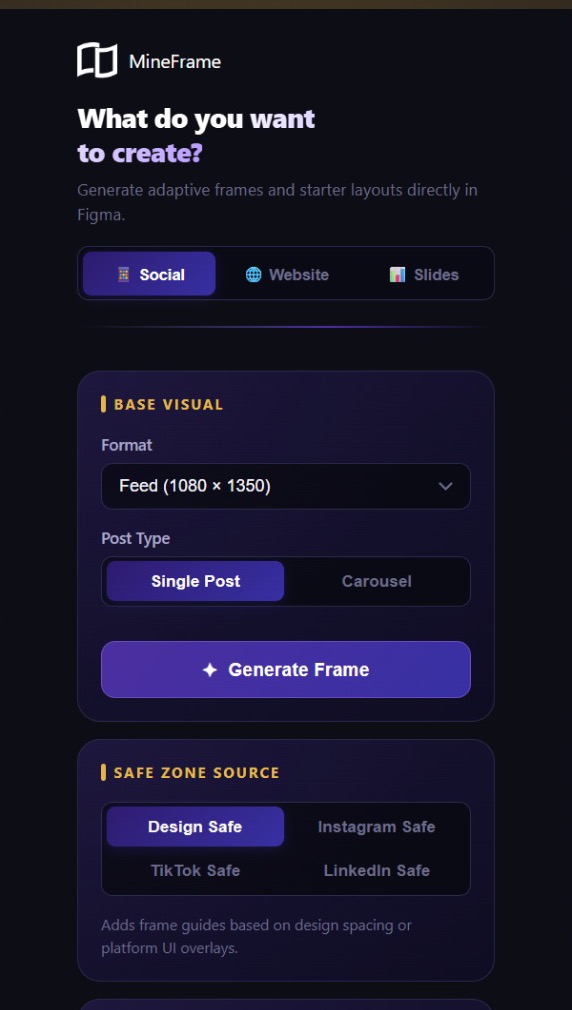
Social Mode
- Format: Choose the target platform size for your design (Feed, Story, OpenGraph, YouTube, LinkedIn, etc.).
- Post Type: Single Post creates one frame. Carousel creates multiple sequential frames placed side by side.
- Safe Zone: Adds guide lines inside the frame based on the selected platform's UI overlay margins.
- Scan Selection: Select any frame on the canvas and click Scan to read its name, size, and layer count.
Website Mode
Generates a complete website starter kit including: Output Assets (Favicon, OpenGraph, Email), Color Palette, Typography Guide, Page List, Desktop Frame, Mobile Frame.
- Locked Layout Guides: Layout guide layers inside frames are locked automatically so they don't interfere with your work.
- Smart Placement: All frames are placed below any existing content on the page, so nothing gets overwritten.
Slides Mode
- Branding Area: Creates a Logo component, color swatches, and typography preview that you can reference while designing slides.
- Slide Frames: Generates 1920 x 1080 frames, including a Cover slide, numbered interior slides, heading and body placeholders.
- Generation Mode: Choose whether to generate Slides only, Branding only, or Both. The slide count slider supports 1 to 20 slides.
- Logo Instances: When generating both slides and branding, the Logo component is automatically instanced into every slide.
How it
works
Open the plugin
Open the plugin inside Figma via Plugins → MineFrame.
Choose a mode
Pick a mode using the tabs at the top: Social, Website, or Slides.
Configure and generate
Adjust the options in the cards below, then click the Generate button.
Tips
All text and colors in generated frames are fully editable. Treat them as a starting point, not a final design.
You can run the generator multiple times. New frames are always placed below existing ones.
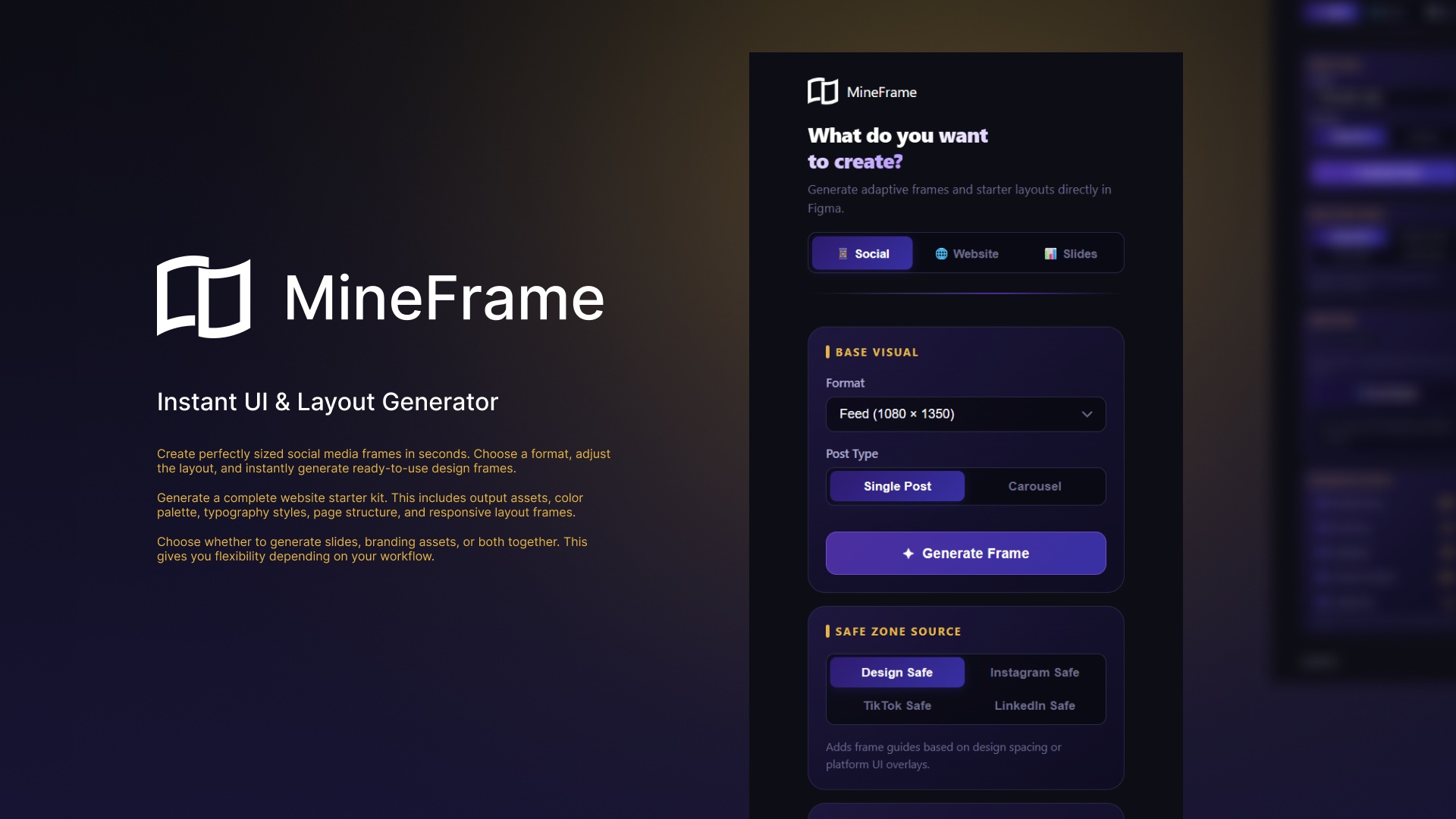
Screens from the Figma Community listing
About us
We’re Mineweb, a WordPress development and UX/UI design studio. Our designers work in Figma every day, from wireframes to full site designs, and MineFrame comes out of that daily practice. We also build custom WordPress websites and WooCommerce stores for businesses that need the whole stack done right.
FAQ
Yes, MineFrame is free. It is published on the Figma Community under the Community Free Resource License.
No. MineFrame is listed on the Figma Community with restricted network access, so everything runs inside Figma.
Yes. All text and colors in frames generated by MineFrame are fully editable. Treat them as a starting point, not a final design.
MineFrame places all new frames below any existing content on the Figma page, so nothing gets overwritten. That also applies when you run the generator several times.
In MineFrame’s Social mode you choose the target platform size for your design: Feed, Story, OpenGraph, YouTube, LinkedIn, and more.
For MineFrame support, write to hello@mineweb.io and the Mineweb team will take a look.